
excel vba 刪除空白儲存格 下方儲存格上移
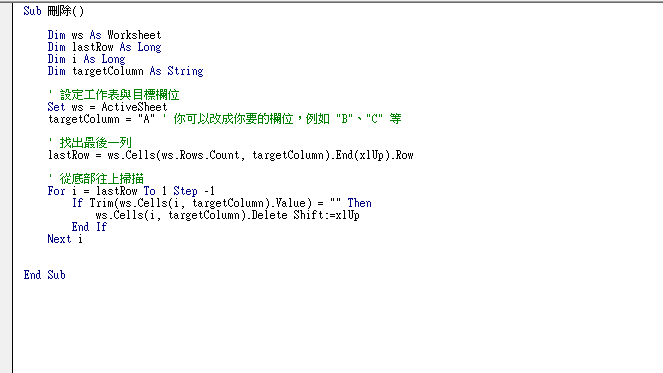
Step 1 將下方程式碼複製到自己的巨集中,修改查找的欄位即可
    Dim ws As Worksheet
    Dim lastRow As Long
    Dim i As Long
    Dim targetColumn As String

    ' 設定工作表與目標欄位
    Set ws = ActiveSheet
    targetColumn = "A" ' 你可以改成你要的欄位,例如 "B"、"C" 等

    ' 找出最後一列
    lastRow = ws.Cells(ws.Rows.Count, targetColumn).End(xlUp).Row

    ' 從底部往上掃描
    For i = lastRow To 1 Step -1
        If Trim(ws.Cells(i, targetColumn).Value) = "" Then
            ws.Cells(i, targetColumn).Delete Shift:=xlUp
        End If
    Next i
Step 2 執行後即可看到A欄的空白儲存格已被刪除且下方儲存格往上移動